

Contractor Invoice Templates
Designed for contractors in construction, home services, and other trades.
Choose the Free Invoice Template
Right for You
Alternative Sources for Contractor Invoicing
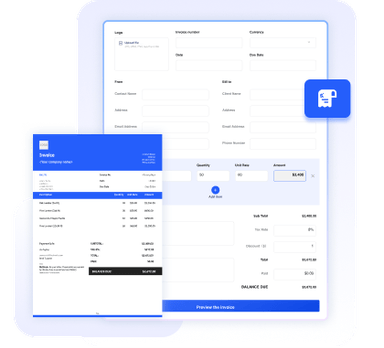
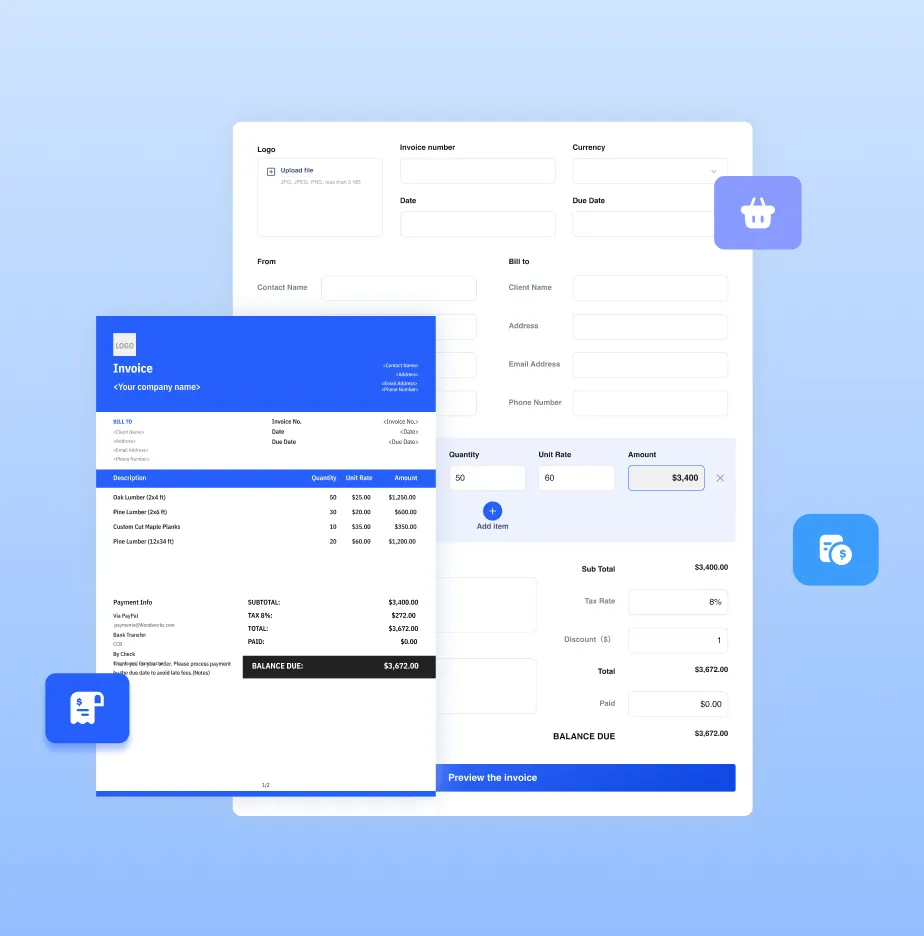
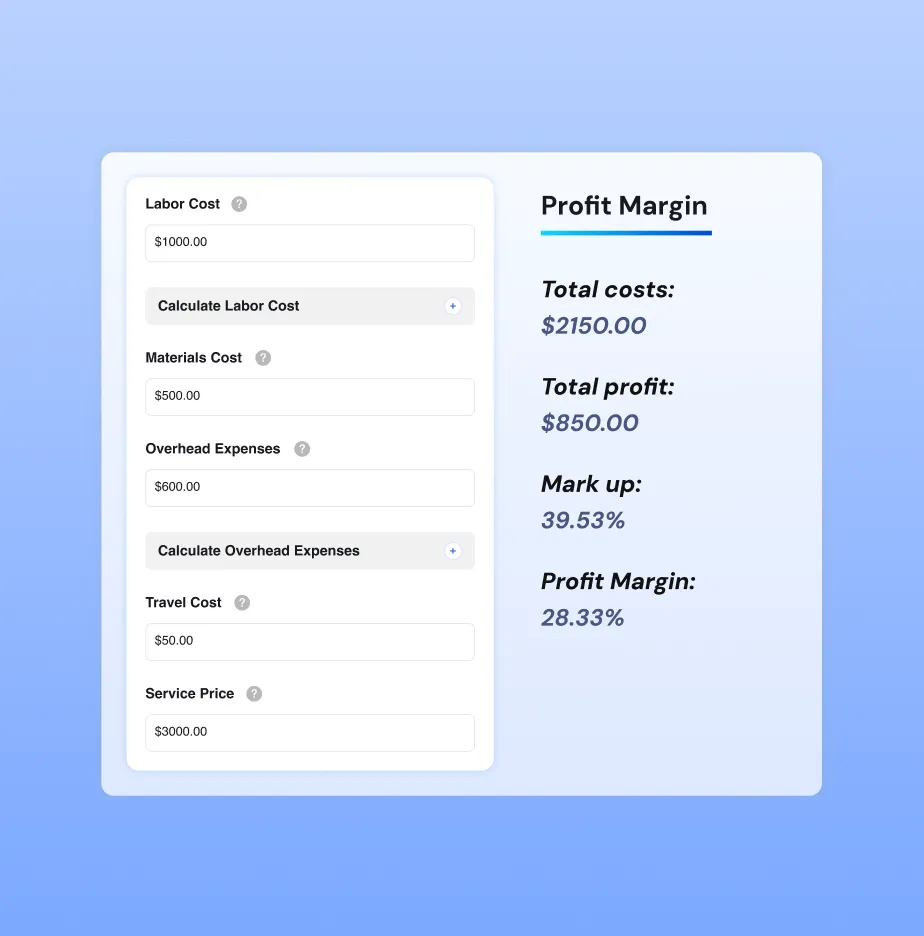
Need more than a template? Try our online invoice generator or full-featured invoice software for even more convenience and advanced features.




Essential Info for Contractor Invoices
Contractors usually work on project-based jobs for clients, so invoices need to clearly show the project information and service details. Our templates include most of the essential fields, and you can easily add or remove fields to match your workflow.
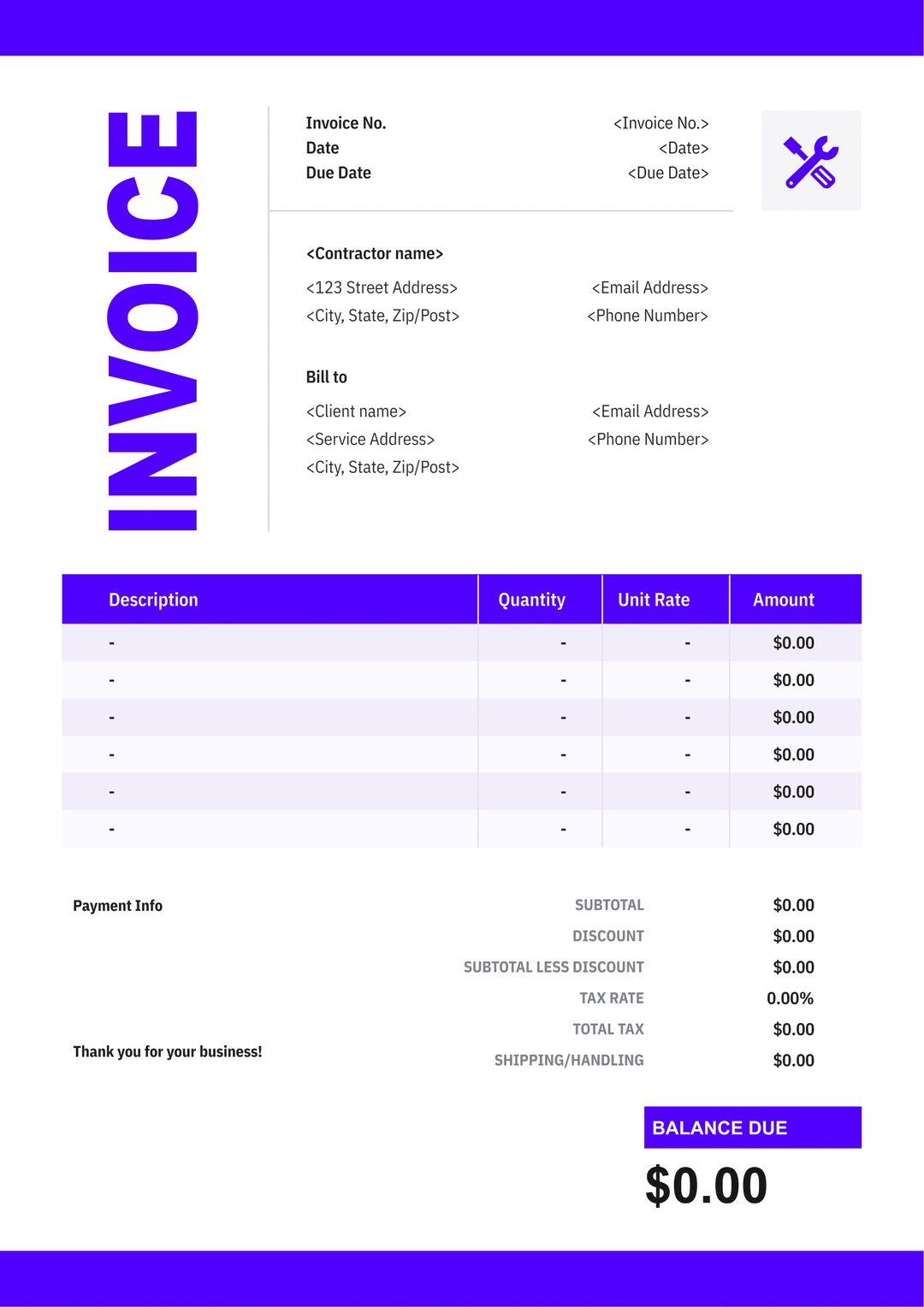
Business name, logo, contact info, licences, and address of the contractor.
Client name, company (if applicable), and contact information.
Including Project Name, Project Manager and Service Address.
A unique number used to track the invoice.
The date when payment is expected.
A breakdown of services or materials with their costs.
Subtotal, tax, discount (if any), and the final amount due.
Payment methods, terms, and additional notes for the client.
Benefits of Using Our Templates
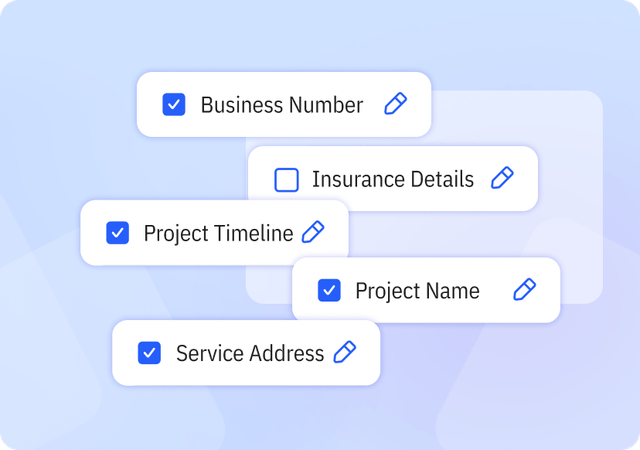
Complete & Customizable Fields
Includes essential and industry-specific fields designed for contractor workflows, with the flexibility to add or remove fields as needed.
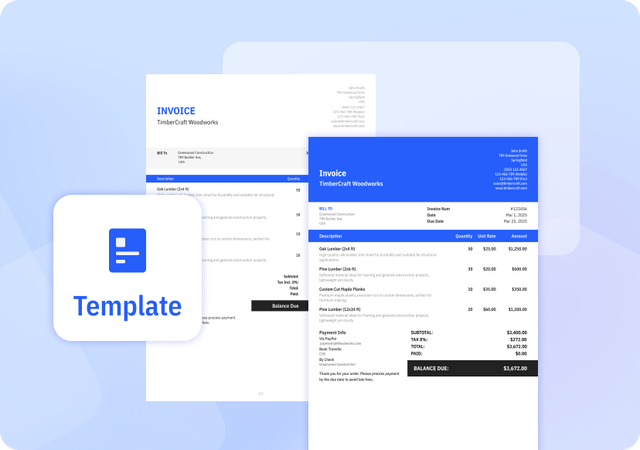
Consistently Formatted Templates
Professional, uniform layouts that make your invoices easy to read, look credible, and print perfectly every time.
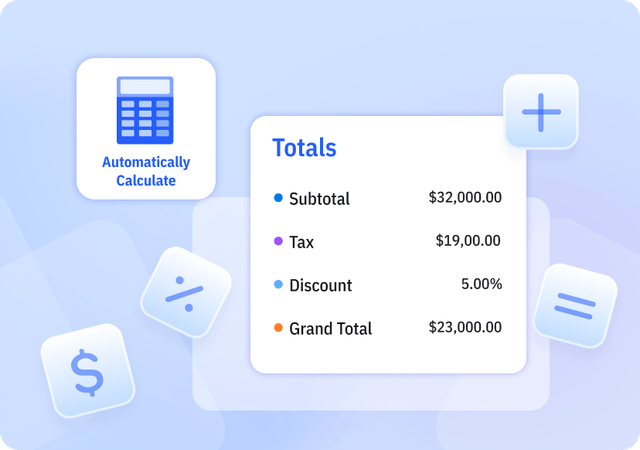
Automatically Calculate Totals
We offer Templates in Excel that automatically calculate subtotal, tax, discount, and grand total amounts to reduce errors.
Helpful Resources for Contractors



FAQ about Contractor Invoice Templates
Table of Contents
When should contractors send invoices?
Contractors typically send invoices after completing work, at regular intervals, or when project milestones are reached. For small or one-time jobs, it’s common to invoice immediately after the work is finished. For ongoing projects or hourly work, contractors often invoice weekly or monthly to keep payments consistent.
Some projects also use milestone billing, where invoices are sent after specific phases of the project are completed. In all cases, contractors should follow the payment terms agreed in the contract, such as Net 15 or Net 30, which define when the client is expected to pay.
Keeping a consistent invoicing schedule helps contractors maintain steady cash flow and ensures clients clearly understand when payments are due.
Are there legal requirements for contractor invoices?
In most countries, there are no strict legal requirements for contractors to issue invoices for every job. However, invoices are often required for tax reporting, bookkeeping, or claiming business expenses. Contractors should include essential details—such as their name, contact, invoice number, date, services provided, and payment terms—to meet tax or accounting standards. Some jurisdictions may require a tax ID or business registration number on invoices if the contractor is registered for taxes.
How do I calculate hours worked for a project?
To calculate hours worked, start by recording the actual time you spend on project tasks — note when you begin and finish each session and subtract any breaks to get net hours. Add up all daily or weekly hours to find the total billable time for the project. Convert partial hours into decimals (for example, 30 min = 0.5 hours) to make summing easier. Using a timesheet or time-tracking method ensures accuracy, and you can optionally use our invoice software, which includes built-in time tracking and lets you generate invoices automatically from time entries.
Can I customize your Invoice Templates?
Yes. We provide invoice templates in both Excel and Word formats, which you can download and edit as needed. Our invoice templates allow you to customize invoice details and appearance to suit your business needs. You can easily adjust invoice information and branding elements to keep your invoices professional and consistent.
Pros and Cons of Invoice Templates
Pros
- Saves time compared to creating invoices manually
- Provides a consistent invoice structure
- Often includes built-in formulas for calculations
Cons
- Does not support client or product management
- Limited flexibility compared to invoice generators or software
- Higher risk of errors if information is entered incorrectly
Other Free Resources

Try Invoice Zip Today
Start Sending Invoices, Building Reports, Saving Office
Time and Get Paid Faster.