

Auto Repair Invoice Templates
Designed for auto repair shops, mechanics, and vehicle service providers.
Choose the Free Invoice Template
Right for You
Alternative Sources for Auto Repair Invoicing
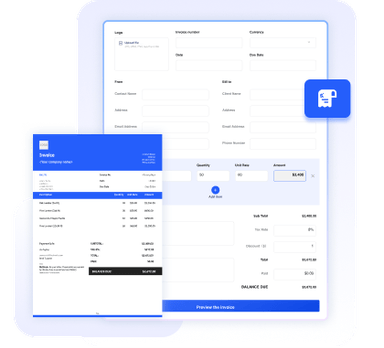
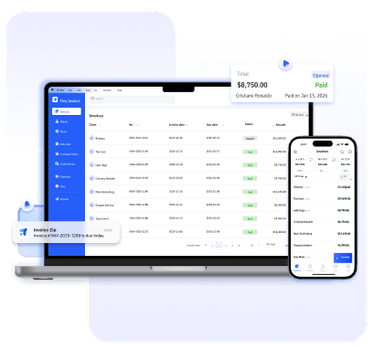
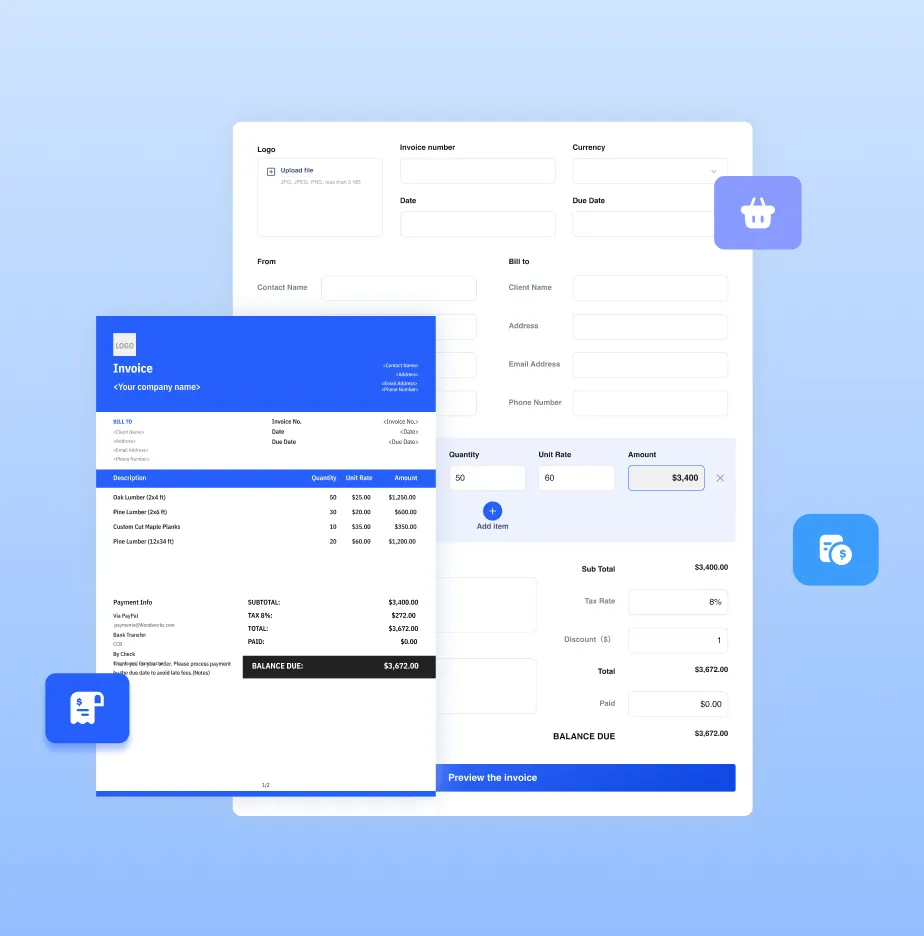
Need more than a template? Try our online invoice generator or full-featured invoice software for even more convenience and advanced features.



Essential Info for Auto Repair Invoices
Auto repair invoices should clearly document the vehicle, client, and all work performed, to ensure transparency and accuracy for both the shop and the customer. A well-structured invoice reduces disputes, supports warranty tracking, and simplifies bookkeeping.
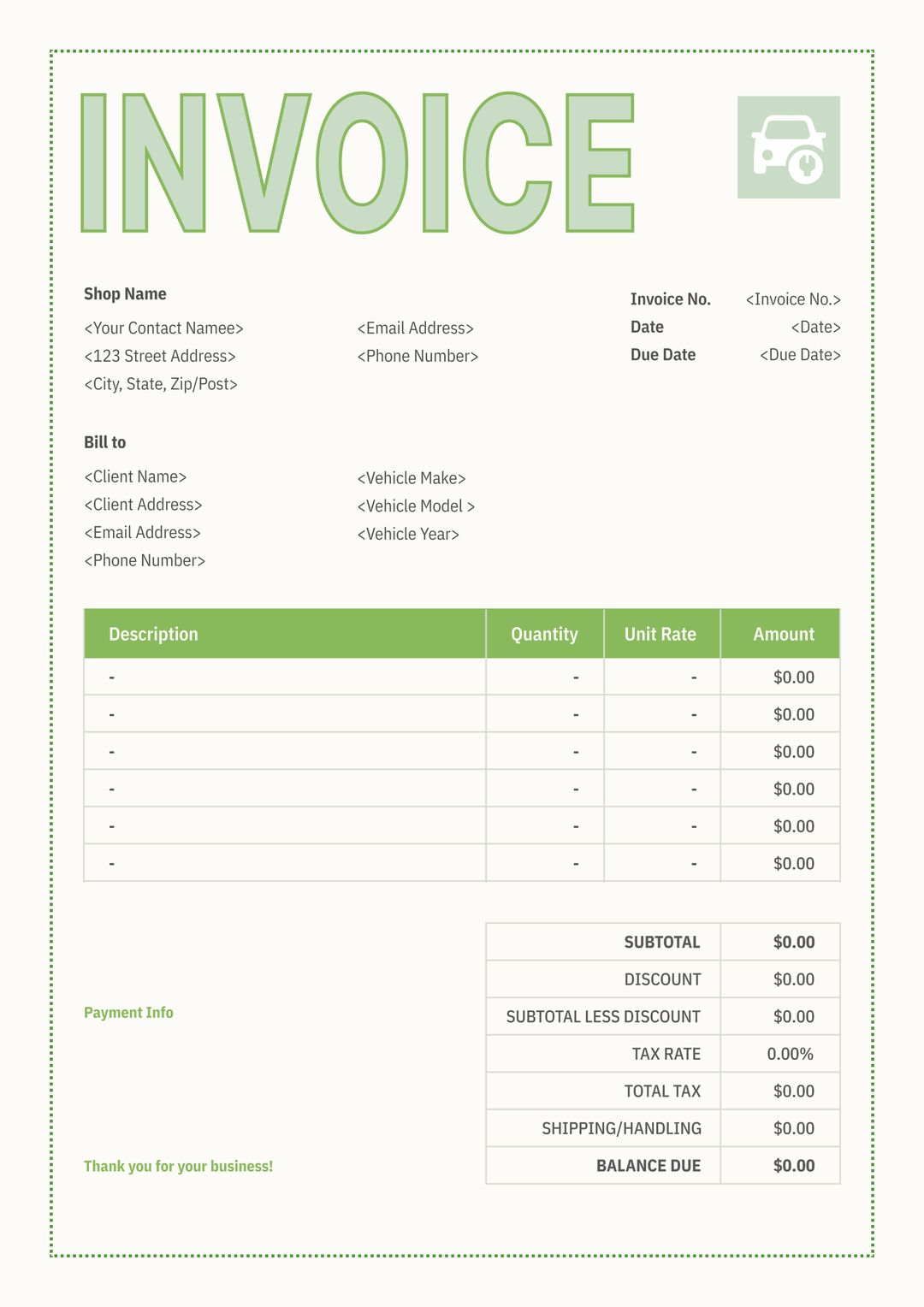
Business name, logo, address, phone/email, license or certification number, and tax ID if applicable.
Vehicle owner's name, billing address, phone/email, and preferred contact method.
Include the vehicle make, model, year, license plate number, and VIN (Vehicle Identification Number). This ensures that both the shop and client can accurately identify the serviced vehicle, especially if the client has multiple vehicles or the repair is recurring.
A unique invoice number for record keeping, and the date the invoice is issued.
Specify the hours spent on each service task, the mechanic rate, and the total labor cost. Clearly showing labor calculations ensures transparency and client understanding.
List each part or consumable used, including part numbers, quantity, unit price, and total cost. Indicate if the part is new, used, or remanufactured, and include warranty information if applicable.
Subtotal, tax, discount (if any), and the final amount due.
Payment methods, terms, and additional notes for the client.
Benefits of Using Our Templates
Complete & Customizable Fields
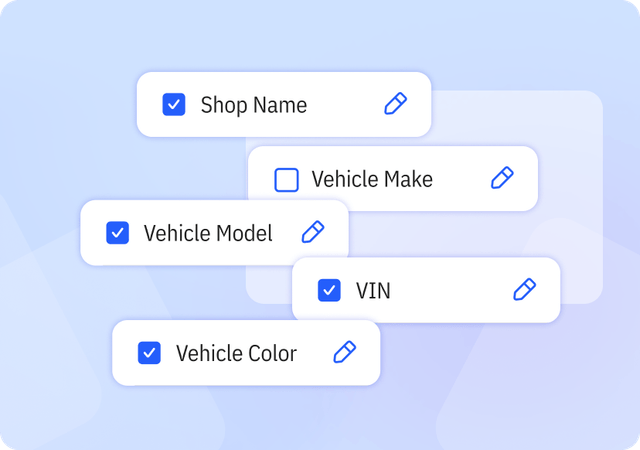
Includes essential and industry-specific fields designed for auto repair, with the flexibility to add or remove fields as needed.
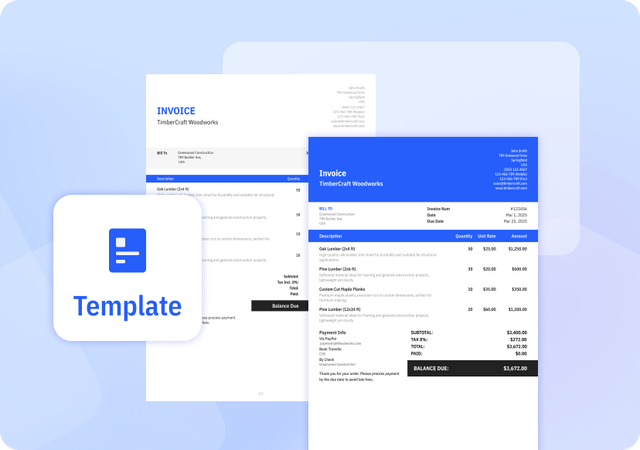
Consistently Formatted Templates
Professional, uniform layouts that make your invoices easy to read, look credible, and print perfectly every time.
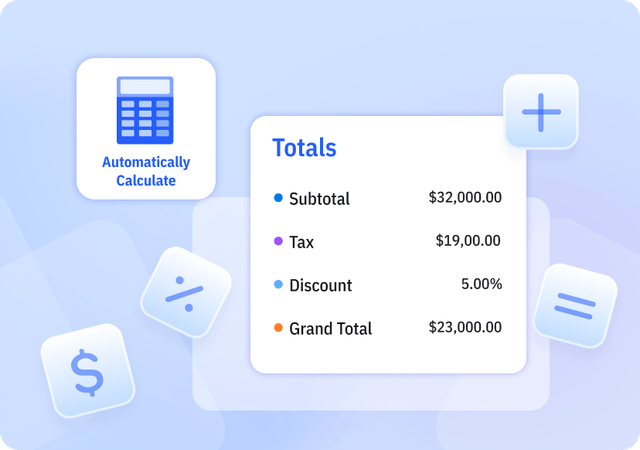
Automatically Calculate Totals
We offer Templates in Excel that automatically calculate subtotal, tax, discount, and grand total amounts to reduce errors.
Helpful Resources for
Auto Repair Business Owners




FAQ about Auto Repair Invoice Templates
Table of Contents
How are labor charges calculated on auto repair invoices?
Labor can be billed in two common ways. The first is by actual hours worked, where the shop charges for the real time spent on a job multiplied by the hourly rate. The second is using standard labor times provided by manufacturers, where the billed hours reflect the standard time for the service rather than the actual time spent. In both cases, the calculation is based on an hourly rate, for example, 2.5 hrs × $85/hr = $212.50. When billed hours differ from actual time, it's good practice to note the reason on the invoice to maintain transparency and help customers understand how the total was determined.
Should parts be listed separately from labor?
Yes. Each part should be listed individually with description, quantity, unit price, and total cost. Include part numbers if available, and indicate whether parts are new, remanufactured, or used. Adding warranty information for each part can also help customers understand coverage and protects the shop if a part fails later. Separating parts from labor ensures clarity and simplifies record-keeping.
Should I include a work order or service request number?
Including a work order or service request number is best practice, especially for larger shops or repeat customers. It links the invoice to the original service request, helping both the shop and customer track what work was authorized. This also assists with warranty claims, internal record-keeping, and any follow-up communications.
Can I customize your Invoice Templates?
Yes. We provide invoice templates in both Excel and Word formats, which you can download and edit as needed. Our invoice templates allow you to customize invoice details and appearance to suit your business needs. You can easily adjust invoice information and branding elements to keep your invoices professional and consistent.
Pros and Cons of Invoice Templates
Pros
- Saves time compared to creating invoices manually
- Provides a consistent invoice structure
- Often includes built-in formulas for calculations
Cons
- Does not support client or product management
- Limited flexibility compared to invoice generators or software
- Higher risk of errors if information is entered incorrectly
Other Free Resources

Try Invoice Zip Today
Start Sending Invoices, Building Reports, Saving Office
Time and Get Paid Faster.